Is Squarespace Easy to Use? A Usability Guide for Small Business Owners
World Usability Day falls on the second Thursday of November, which this year is November 12 [1]. It is a good excuse to answer a question we hear often: is Squarespace easy to use?
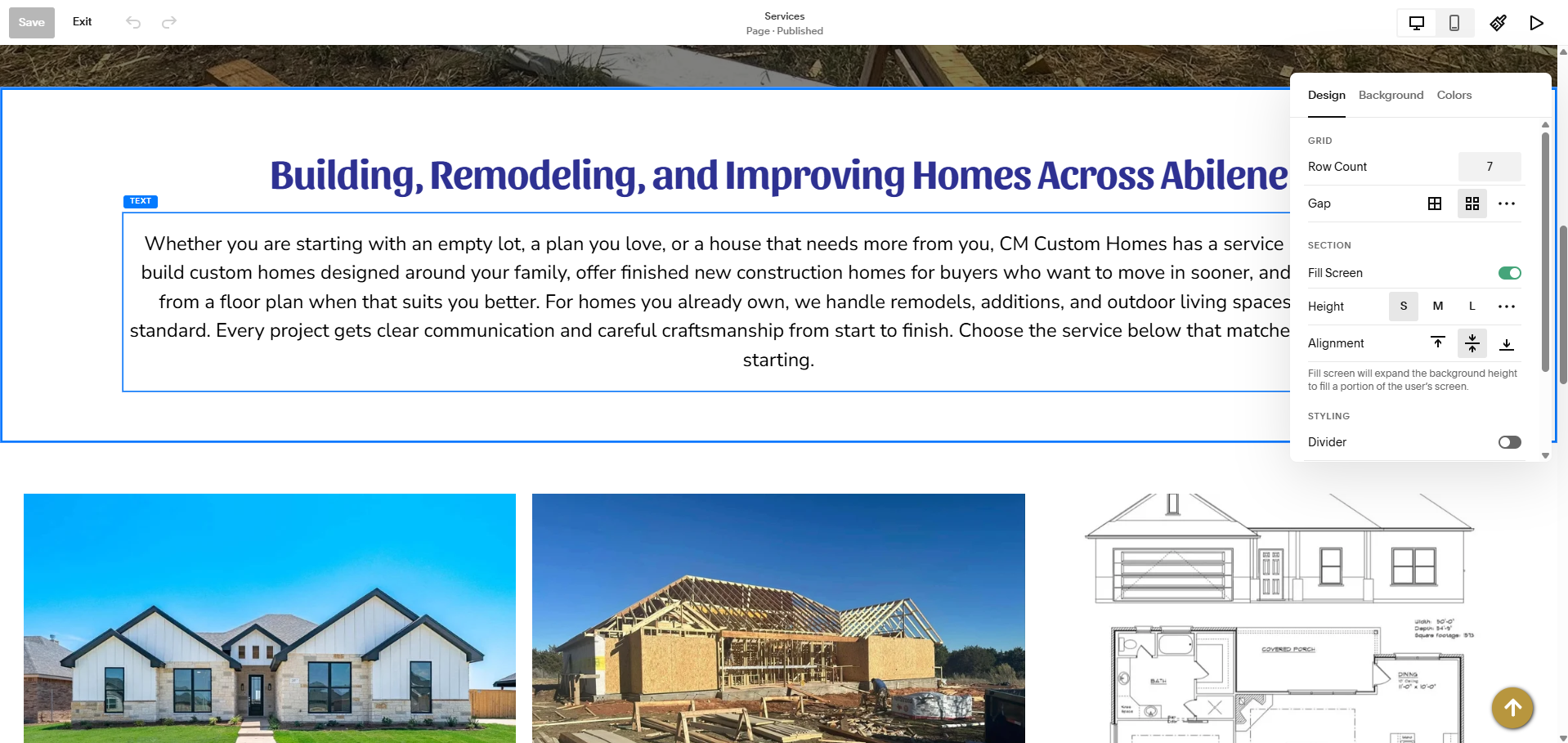
The honest answer has two halves, and they are easy to mix up. Squarespace is generally easy for an owner to edit. But whether your website is easy for a visitor to use is a separate question, and the platform alone does not answer it.
Two kinds of easy
Easy to edit means you can log in, change a phone number, swap a photo or add a page without calling anyone. Squarespace does this well, and it is one of the reasons we build on it. Training on managing your own site is included in every package we offer.
Easy to use means a customer lands on your site and can quickly find what they came for. That depends on decisions a template cannot make for you: what goes in the menu, what you call each page, what appears first on the homepage, and how obvious it is how to contact you.
Nielsen Norman Group, a research firm that has studied usability for decades, defines usability as a quality attribute with five parts: learnability, efficiency, memorability, errors and satisfaction [2]. They also draw a useful line between usability and utility. A site can be pleasant to use and still not offer what the visitor needs, and a site can offer exactly what they need and be too frustrating to use. You need both [2].
Why the first few seconds matter
Nielsen Norman Group's research on how long people stay on a page found that users often decide to leave within 10 to 20 seconds, and that pages need to communicate their value quickly to earn more time [3]. For a small business, that means a visitor should be able to tell, almost immediately, what you do, where you do it and how to reach you.
What Squarespace handles for you
Some usability work really is taken care of by the platform. Squarespace sites are responsive, which means page sections automatically stack and resize to fit smaller screens [4]. In Fluid Engine, the current editor, you can also adjust how a page is laid out on mobile separately from the desktop version [5]. That is a real head start, because many visitors will see your site on a phone first.
What the platform cannot decide for you
A template cannot tell you how your customers think. Some examples of choices that are still up to people:
Whether your menu labels match the words customers actually use. "Solutions" may mean something to you, while "Services" or "Pricing" is what a visitor is looking for.
Whether your phone number and contact information are visible without scrolling or searching.
Whether the page answers the question a visitor arrived with, such as hours, prices or service area.
Whether a mobile layout that technically works is actually pleasant to use, with readable text and buttons that are easy to tap.
This is the part of a site build where planning matters most: mapping the pages, deciding the navigation and writing labels in plain language before any design work begins.
A five-person test you can run this week
You do not need a research lab to find out whether your site is easy to use. Nielsen Norman Group's well-known guidance is that testing with about five people is enough to uncover most of the major usability problems, and that several small rounds beat one large one [6].
Here is a simple version:
Ask five people who are not familiar with your business to try to do three things on their phones: find your hours or location, find a way to contact you, and find out what you charge or how to get a quote.
Do not help them. Watch where they hesitate, scroll back and forth or give up.
Write down every place someone got stuck. If two or three people stumble in the same spot, that is the thing to fix first.
Fix it, then ask a few new people to try again.
It is humbling the first time, and it is one of the most useful hours you can spend on your site.
So, is Squarespace easy to use?
Yes, for editing, and a good deal of the technical side of usability is handled for you. Whether your visitors find it easy comes down to the planning, structure and wording behind the template. That is the part we spend the most time on when we build a site.
If you would like a second set of eyes on how easy your own website is to use, contact Abilene Code or call (325) 280-1390.
Contact page: https://abilenecode.com/contact
Resources
[1] World Usability Day
Information about the annual event held on the second Thursday of November
https://worldusabilityday.org/
[2] Nielsen Norman Group, Usability 101: Introduction to Usability
Defines usability's five components and explains the difference between usability and utility
https://www.nngroup.com/articles/usability-101-introduction-to-usability/
[3] Nielsen Norman Group, How Long Do Users Stay on Web Pages?
Research on how quickly visitors decide to stay or leave
https://www.nngroup.com/articles/how-long-do-users-stay-on-web-pages/
[4] Squarespace Help, How will my site appear on mobile devices?
Official explanation of how Squarespace pages adapt to mobile screens
https://support.squarespace.com/hc/en-us/articles/205815398-How-will-my-site-appear-on-mobile-devices
[5] Squarespace Help, Design mobile page layouts in Fluid Engine
Official guide to adjusting a page's mobile layout separately from desktop
https://support.squarespace.com/hc/en-us/articles/46306741295757-Design-mobile-page-layouts-in-Fluid-Engine
[6] Nielsen Norman Group, Why You Only Need to Test with 5 Users
The research behind small, repeated rounds of usability testing
https://www.nngroup.com/articles/why-you-only-need-to-test-with-5-users/