
Small Business Saturday Checklist: Get Your Website and Google Listing Ready
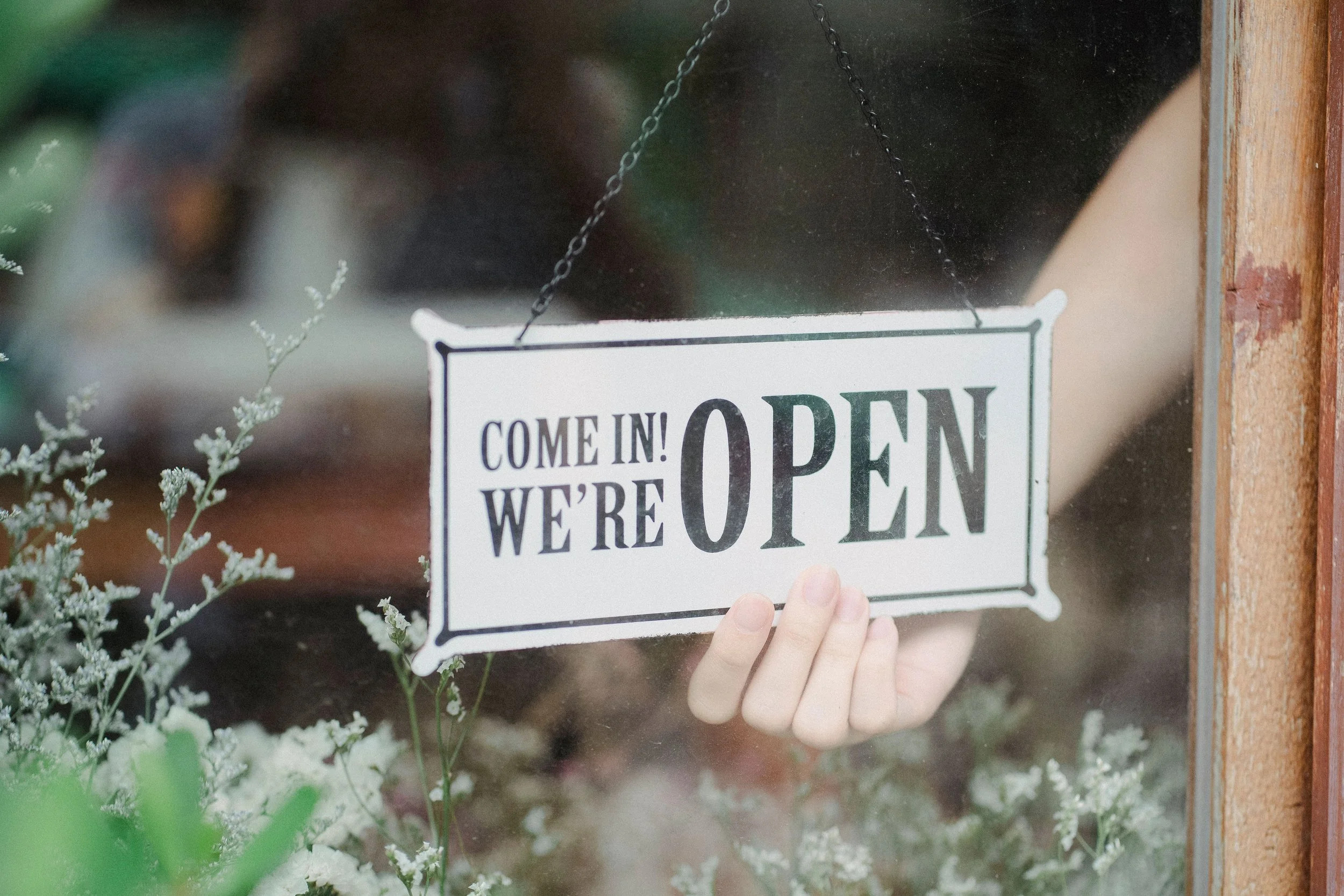
Small Business Saturday lands on November 28 this year, the Saturday after Thanksgiving. Thanksgiving is Thursday, November 26, Black Friday is the 27th and Cyber Monday is the 30th. If you have a local business, that stretch is a good time to make sure that when someone searches for you, what they find is accurate.
How much is at stake? American Express estimated about $18 billion in consumer-reported spending on Small Business Saturday in 2025, and NFIB reported about $22 billion for 2024 [1][2]. Those are self-reported survey figures, not actual receipts, and they are national totals, so they say little about any single shop. What they do show is that a lot of people go looking for small businesses that weekend, and many of them start on a phone.
Here is a checklist you can finish this week.
1. Set special hours on your Google Business Profile
This is the single most useful step. Google lets you set special hours for holidays and other days that differ from your usual schedule, so people searching for you see the right information [3]. If you will be closed on Thanksgiving, open early on Saturday or running different hours on Black Friday, add those dates now.
BrightLocal notes that special hours can be set for up to six consecutive days, and that Google often prompts businesses to review holiday hours as the date approaches [4]. If you see that prompt, do not ignore it.
2. Make sure your website says the same thing
Hours that differ between Google and your website are confusing, and visitors tend to trust neither one. Check your website's contact page, footer and anywhere else hours appear. If your holiday hours are different, say so clearly.
If your site is on Squarespace, an announcement bar is a simple way to put a short message at the top of every page, such as "Open 9 to 5 on Small Business Saturday" [5]. It is available on several Squarespace plans, including Core, Plus and Advanced.
3. Test your site on your phone
Pick up your phone and act like a customer. Can you find your hours, address and phone number without pinching or hunting? Does tapping your phone number actually start a call? Does the page load quickly on cellular data? Many of your visitors will be on a phone, possibly standing in a parking lot, so this is the version of your site that matters most.
4. Refresh what people see
Look at the photos on your Google Business Profile and your website. If your storefront, products or team have changed, add current ones. A few good, recent photos make a listing feel active.
5. Ask for reviews, politely
Customers who already like your business are often happy to say so if someone asks. A short, friendly note at the register, a line on a receipt or a follow-up message works fine. You are not asking for anything specific, just an honest review. If you want a refresher on why your listing matters so much, we covered it in our post about whether your business is showing up on Google Maps.
6. Check that your contact options work
Send yourself a message through your contact form and call your own business number. It takes two minutes, and it is surprisingly common for a form to be sending to an old email address.
7. Make a note to look at the results afterward
After the weekend, look at what happened. Check how many people called, used your contact form or viewed your Google listing. If you have website analytics, compare that weekend to a normal one. Even rough numbers tell you what is worth repeating next year.
A note on Thanksgiving and Black Friday
You do not need a big campaign to benefit from any of this. Accurate hours, a site that works on phones and a few recent reviews are useful every week of the year. The holiday just gives you a deadline.
If you would like help getting your website or Google listing in shape, contact Abilene Code or call (325) 280-1390.
Contact page: https://abilenecode.com/contact
Resources
[1] American Express, Small Business Saturday 2025 Results
Estimated consumer-reported spending on Small Business Saturday, self-reported rather than actual receipts
https://www.americanexpress.com/en-us/newsroom/articles/shop-small/on-small-business-saturday--american-express-reaches-goal-to-dri.html
[2] NFIB, Time Is Running Out to Prepare for Small Business Saturday
Reported spending figures for 2024 and preparation advice for small businesses
https://www.nfib.com/news/news/time-is-running-out-to-prepare-for-small-business-saturday/
[3] Google Business Profile Help, Edit your business hours
Official instructions for setting regular and special hours, including holidays
https://support.google.com/business/answer/15300403
[4] BrightLocal, Google Business Profile Opening Hours
Guidance on managing special hours and holiday prompts
https://www.brightlocal.com/learn/google-business-profile-opening-hours/
[5] Squarespace Help, Add an announcement bar
Official instructions for adding a site-wide announcement bar
https://support.squarespace.com/hc/en-us/articles/205815318-Add-an-announcement-bar